SET to KST: your Styles on the Pa5X
Moving up to a Pa5X? Pa Studio Suite takes the Styles from your older SETs and writes them into a Pa5X KST, so the Styles you play every week come with you.
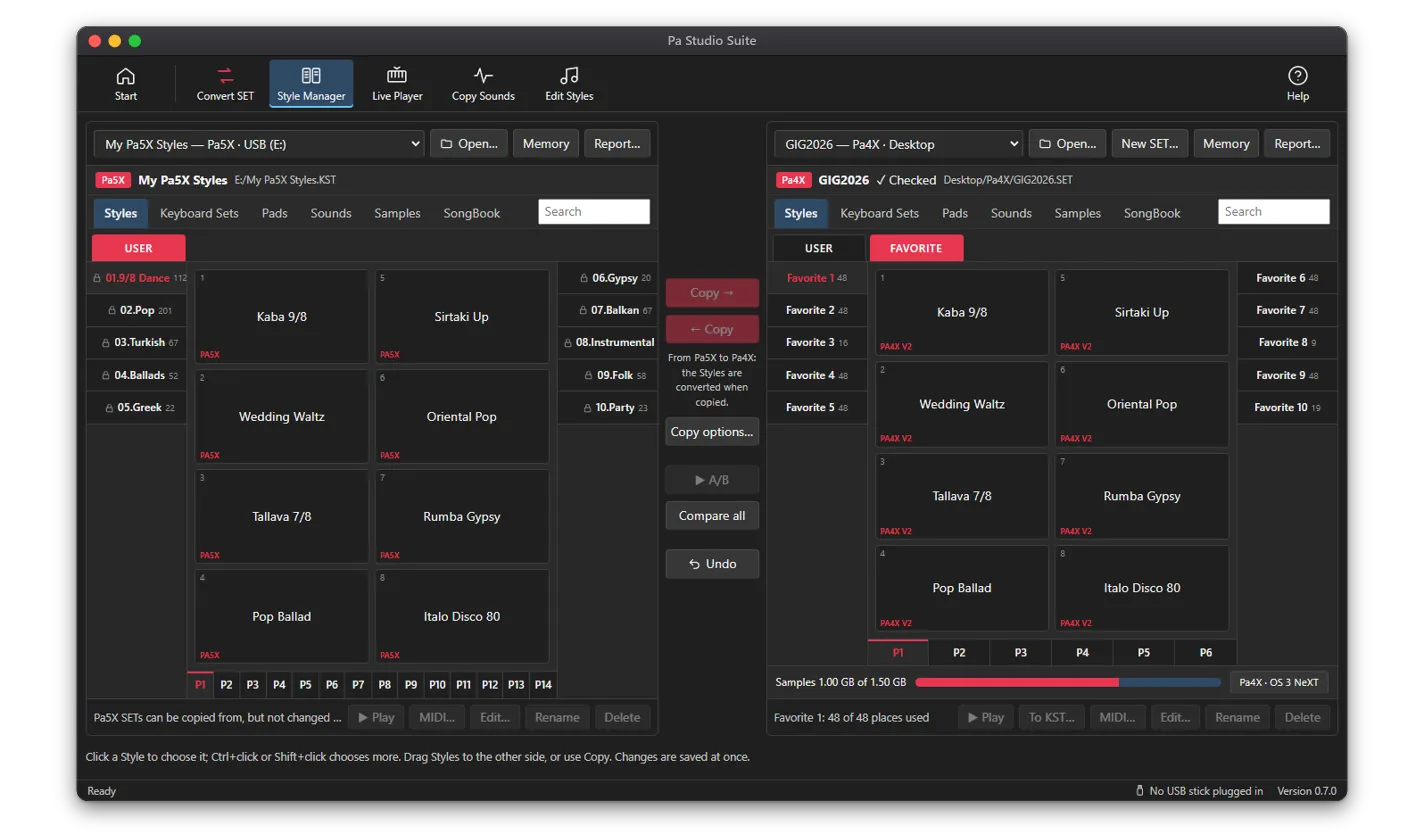
What comes over
- Styles from Pa4X, Pa1000 and Pa700 SETs
- Styles from Pa3X, Pa900, Pa600 and Pa300 SETs
- Styles from Pa2X and Pa800 SETs
SET to KST brings Styles. Keyboard Sets, Pads and own Sounds are set up again on the Pa5X itself.
How it works
- 1Open your SET in the SET / KST Manager.
- 2Choose the Styles you want on the Pa5X.
- 3Click To KST and choose one of your Pa5X KSTs: the app uses its file layout.
- 4Copy the KST to a USB stick and load it on the Pa5X.
License
SET to KST is included in every license: Standard, Professional and All Access.