Convert a Pa4X SET to a Pa3X SET
A Pa3X does not load Pa4X Styles. Pa Studio Suite converts a Pa4X, Pa1000 or Pa700 SET back to the Pa3X family: Styles, Keyboard Sets as Performances, and Pads, for the exact model you play. Included in every license.
What comes over
| From the Pa4X family | To the Pa3X family |
|---|---|
| Styles | Styles, with tracks, Style Settings (STS), master effects and tempo |
| Keyboard Sets | Performances, in the model’s PERFORM banks |
| Pads | Pads in USER banks of 32; drum Pads stay on a Drum Kit |
| Own Sounds | the closest factory Sound of your model |
Banks are smaller on the Pa3X
A Pa4X Style bank holds 48 Styles, a Pa3X bank 40. The app fills the Favorite banks first and moves Styles that do not fit into free banks, so none is lost. Every change is in the conversion report.
For your exact keyboard
Pa3X, Pa3X Le, Pa900, Pa600, Pa600 QT or Pa300: each has its own factory Sounds and banks. The app maps every Style track to the Sounds your model has.
Or drag and drop
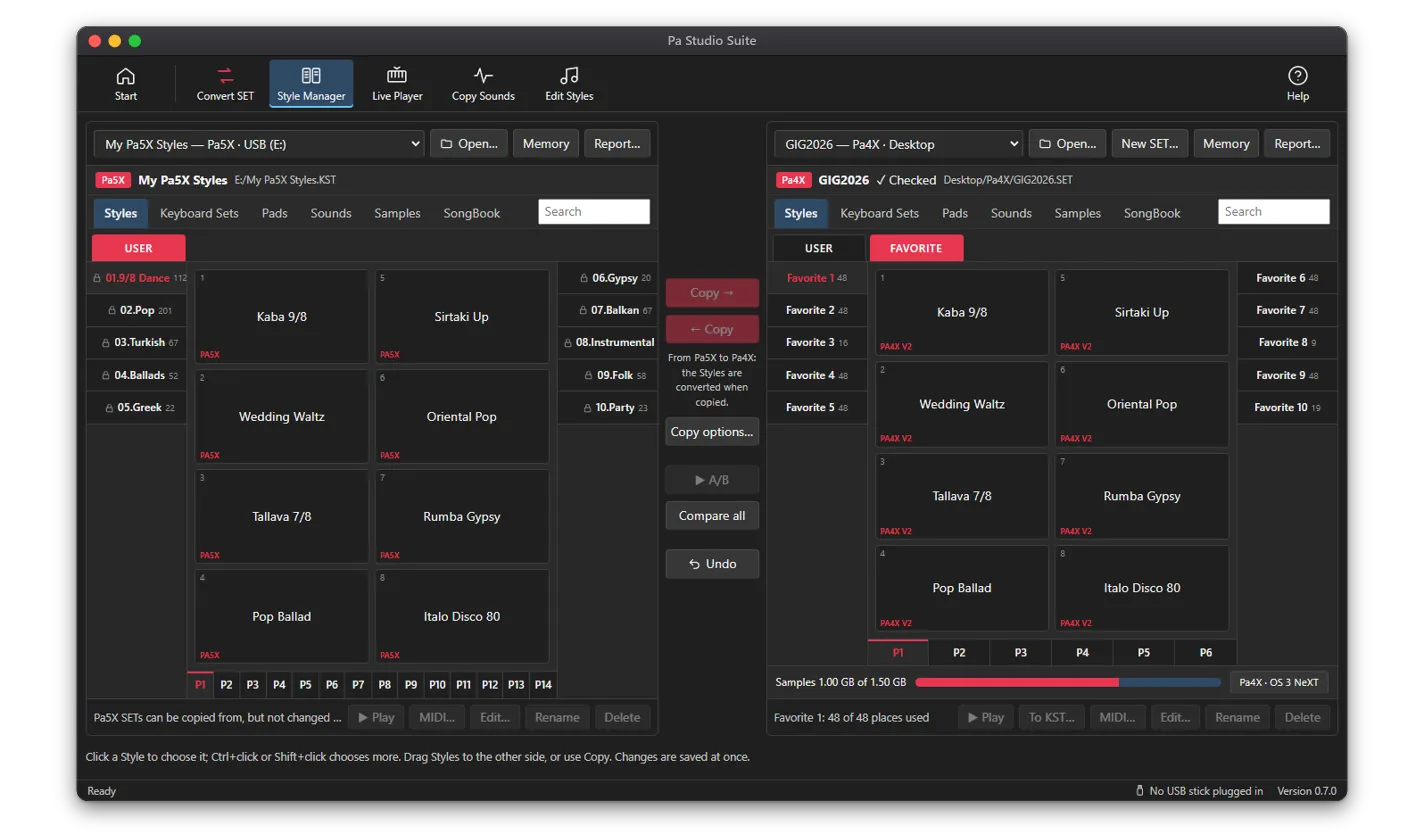
Open the Pa4X SET and a Pa3X SET side by side in the SET / KST Manager and drag Styles, Keyboard Sets and Pads across. They are converted on the way.
Questions
Can a Pa3X load Pa4X Styles?
Not as they are. Pa Studio Suite converts them into Pa3X Styles, included in every license (Standard, Professional and All Access).
Does it work for Pa1000 and Pa700 SETs too?
Yes. They use the Pa4X format and convert the same way.